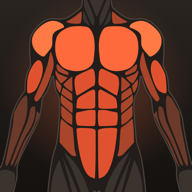
Replace an exercise with one that hits the same muscles and the week still balances.
Training plans
Start from a split that works. Make it yours.
Choose a plan and Lift fills in the days and exercises. Swap anything, add a day, drop one. Every exercise in the plan knows which muscles it works, so the muscle map can tell you whether the plan on paper matches the week you trained.
876 exercisesReminders on training daysMuscles tagged on every exercise
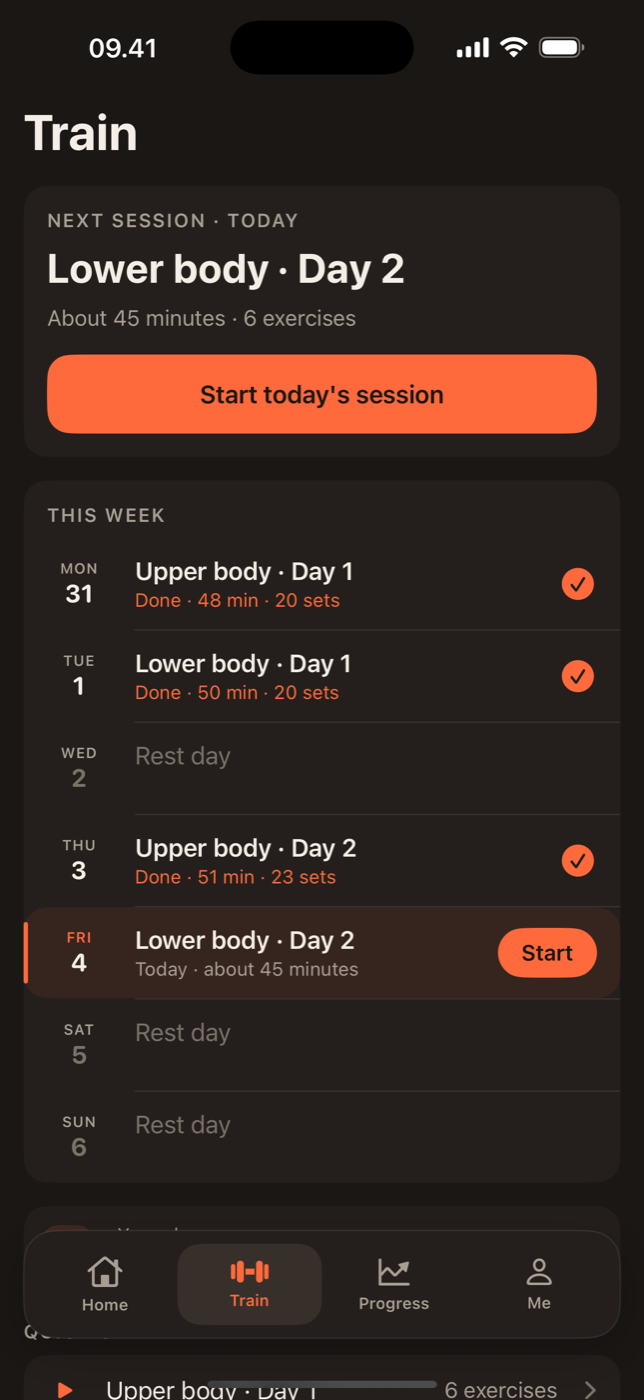
The templates
Lift ships with the splits most people end up on: Upper/Lower over four days, Push/Pull/Legs over three or six, Full Body over three, and a 5/3/1 style plan built around four main lifts. Each template comes with sensible exercises, sets and rest lengths. Pick one in onboarding or from the Train tab, and it is ready to run the same day. Not sure which? Upper/Lower for beginners and Push Pull Legs explained cover the two most common choices.
Editing a plan
Tap any exercise to swap it for another that works the same muscles, change the target sets, or set its rest time. Add exercises from the library by name or by muscle, drag to reorder, and add or remove days. A plan is a list of days, and a day is a list of exercises. There is no hidden structure to fight.
Your own plan from scratch
Start with an empty plan, name the days and add exercises. If your programme has A and B weeks, make them two plans and switch between them. The free version keeps two plans; Lift Pro keeps as many as you like.
The exercise library
All 876 exercises live in Lift's own database, with instructions and the primary and helper muscles for each. Barbell, dumbbell, machine, cable, kettlebell and bodyweight movements are all there, and you can add your own with the muscles they work. That tagging is what makes the muscle map accurate, so if you think a built-in exercise has the wrong muscles, tell us and it is fixed for everyone.
Reminders that respect rest days
Turn on reminders and Lift tells you which day is up at the time you choose. On rest days it stays quiet. Miss a day and the plan simply waits; the next session is whatever comes next, not a guilt trip.
In practice
Plans in practice.
Plans are ordered days. Train Tuesday instead of Monday and nothing needs fixing.
With Pro, plans sync to the dashboard where a keyboard makes bigger edits quicker.

Lift: Workout & Gym Tracker
Pick a plan. Start today.
Two plans are free. Lift Pro removes the limit.