Any set can be changed until you finish. Wrong weight typed in? Two taps.
Workout log
Logging that gets out of the way between sets.
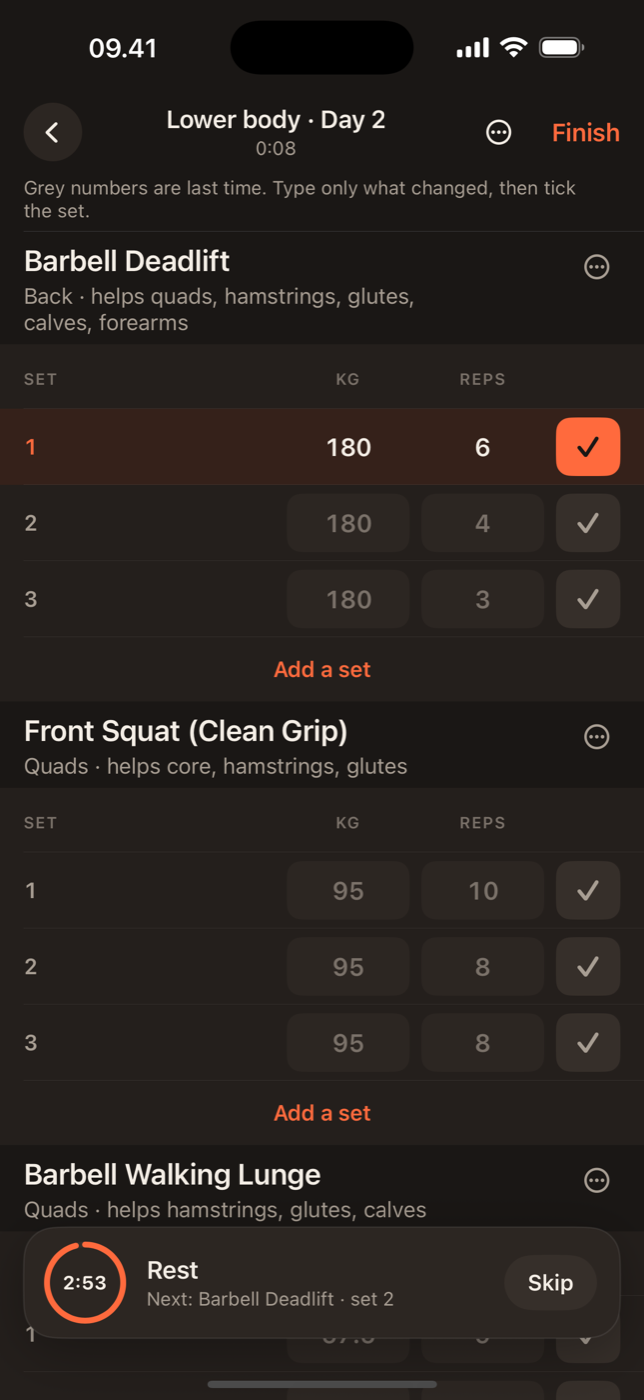
You have about ninety seconds between sets. Lift uses two of them. Each set arrives prefilled with what you did last time, so a repeat is one tap and a personal best is one number changed.
Prefilled from last sessionBest lift per exerciseFull history with Pro
Start from the plan, or from anywhere
Tap Start on today's training day and the session opens with the exercises in order. Not following the plan today? Start an empty session and add exercises as you go, by name or by muscle. Either way the session ends up in the same history and on the same muscle map.
One tap per set
Every set shows the weight and reps from the last time you did that exercise. If you match it, tick it. If you beat it, change the number and tick. The rest timer starts on the tick, so there is nothing else to press. Made a mistake? Tap a set to edit it, swipe to delete it, or reset the whole exercise. Nothing is locked in until you finish the session.
Units and increments that match your gym
Choose kilograms or pounds once. Weight steppers move in the increments your plates come in, and you can type any value. Reps and weight are both saved per set, so a drop set or a back-off set is just another row.
The summary you actually read
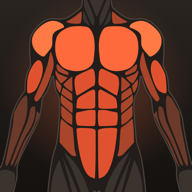
Finish a session and Lift shows total volume, the sets that beat your previous best, how long you trained and which muscles the session hit. If you wore an Apple Watch, heart rate and calories are there too. The summary is also where you notice a session was shorter or lighter than usual, which is the moment to decide whether that was deliberate.
History and best lifts
Every session is kept with its date, exercises and sets. Open any exercise and see your best set ever, your best in the last month, and how the weight has moved. The Progress tab adds weeks in a row, total weight lifted per week and your body-weight trend from the entries you log. The free version keeps the last 30 days of sessions, 4 weeks of charts and your top 3 best lifts; Lift Pro keeps everything and syncs it to the dashboard.

In practice
Small things that add up.
A set that beats your previous best gets marked in the summary and in history.
With Pro, every session is on the dashboard within seconds, ready to review.

Lift: Workout & Gym Tracker
Your next session, prefilled.
Log the first workout in Lift and the second one is already half done.